TraderScript
Lock MetaTrader.
Before you blow your account.
You know the rules. You just can't stop breaking them. TraderScript enforces them automatically, no willpower required.
Easy Setup · Free Trial · iOS Only
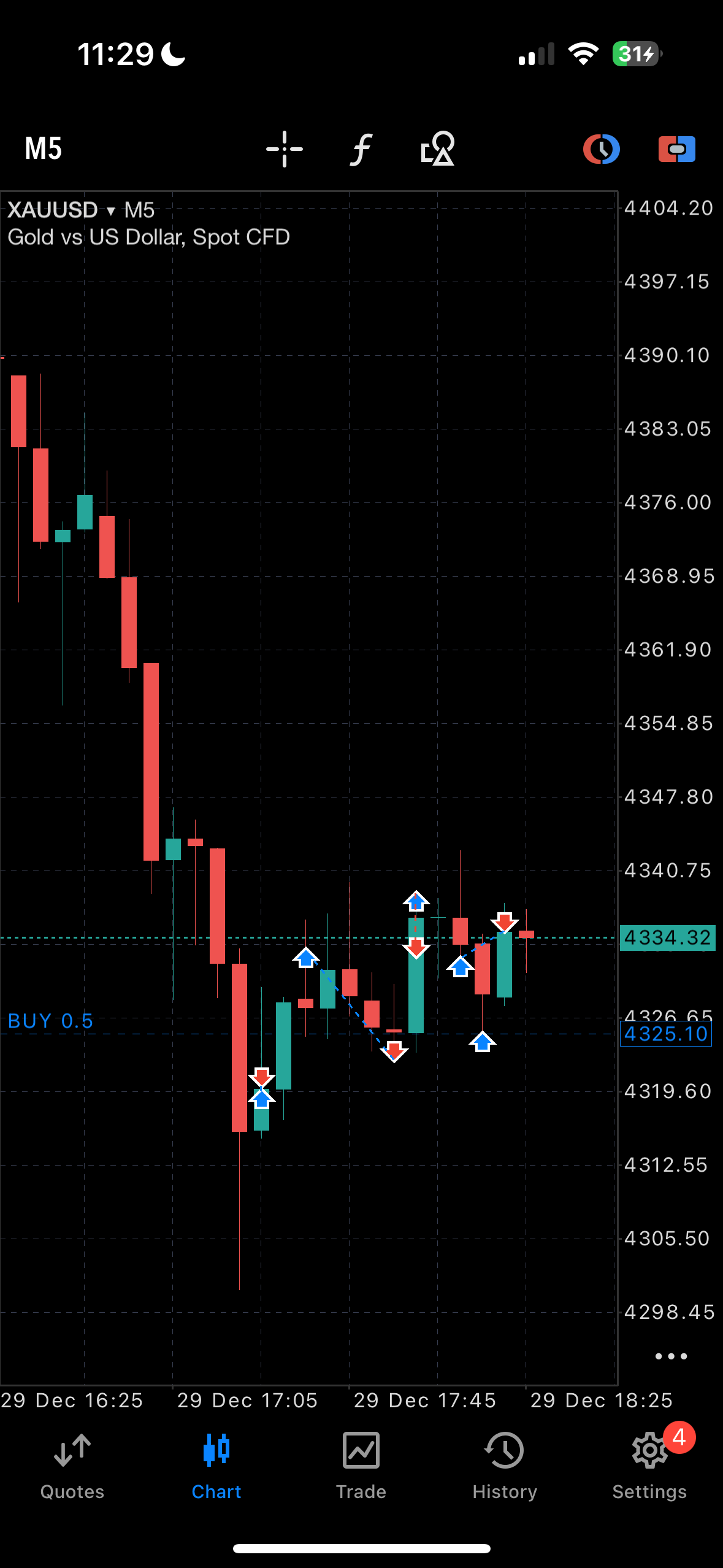
MetaTrader is Locked
You hit your daily loss limit.
Back to TraderScript
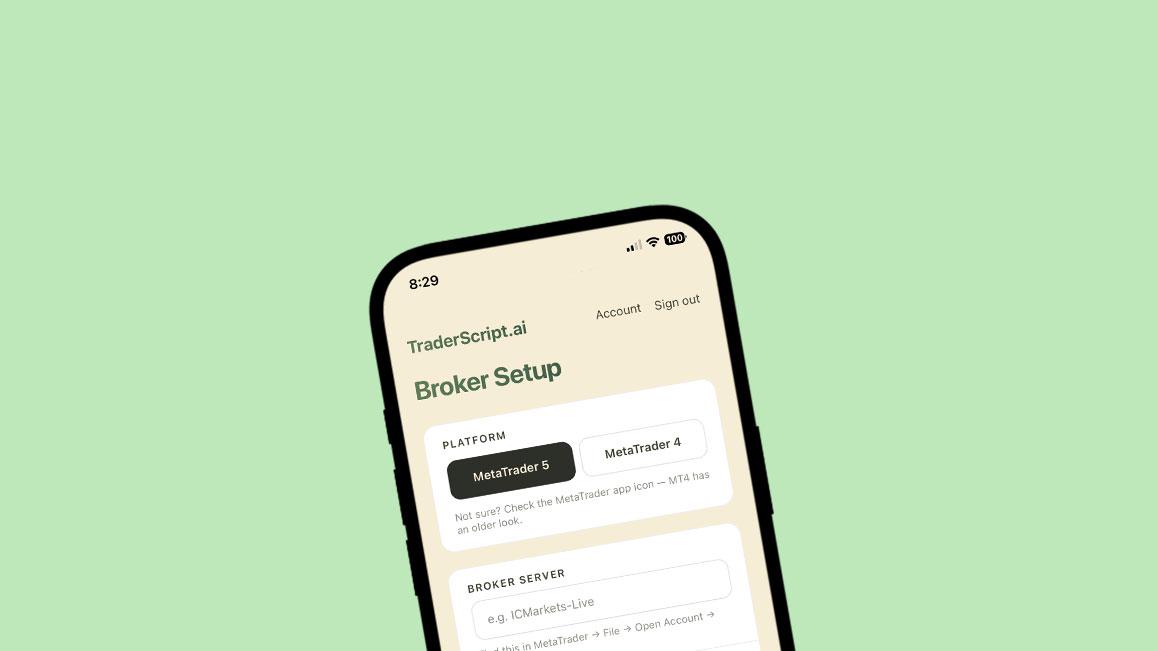
01. Connect your MT5 account
Read-only, through your broker. Set them when you're calm.
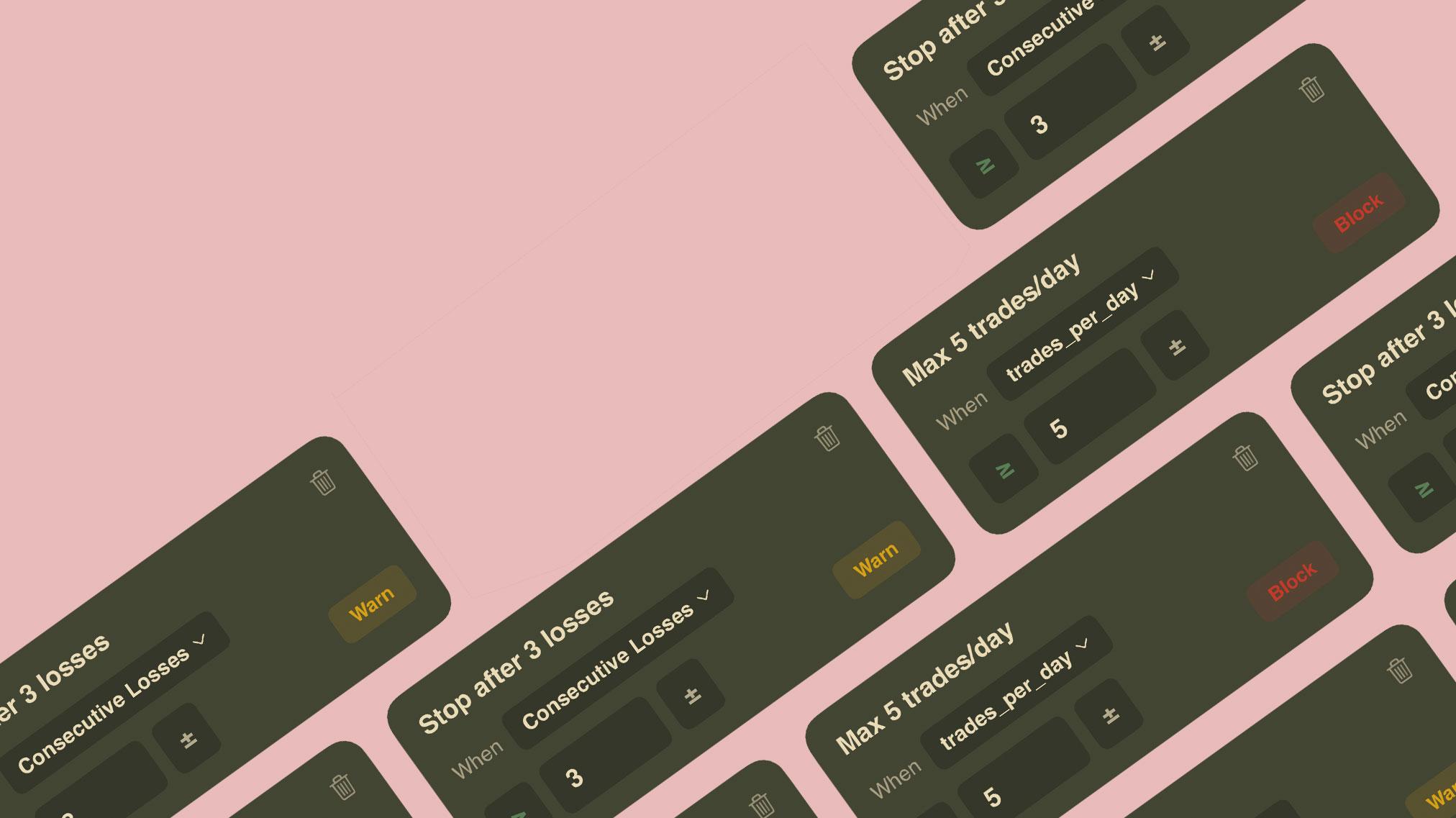
02. Set your limits once
Daily loss limit, session windows, strike rules.
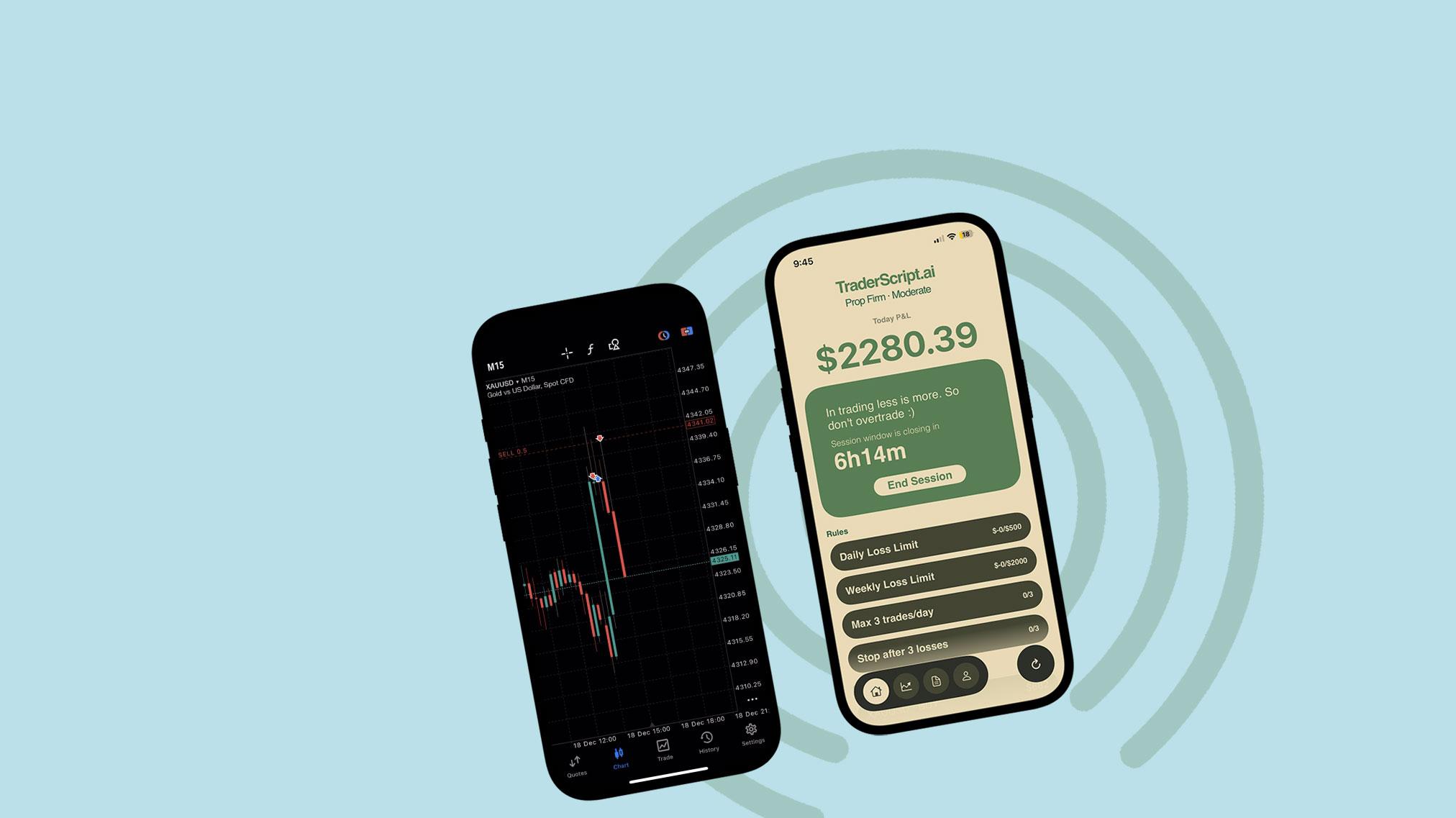
03. Enforced automatically
TraderScript watches your live P&L and locks MT5 the second you cross a line.
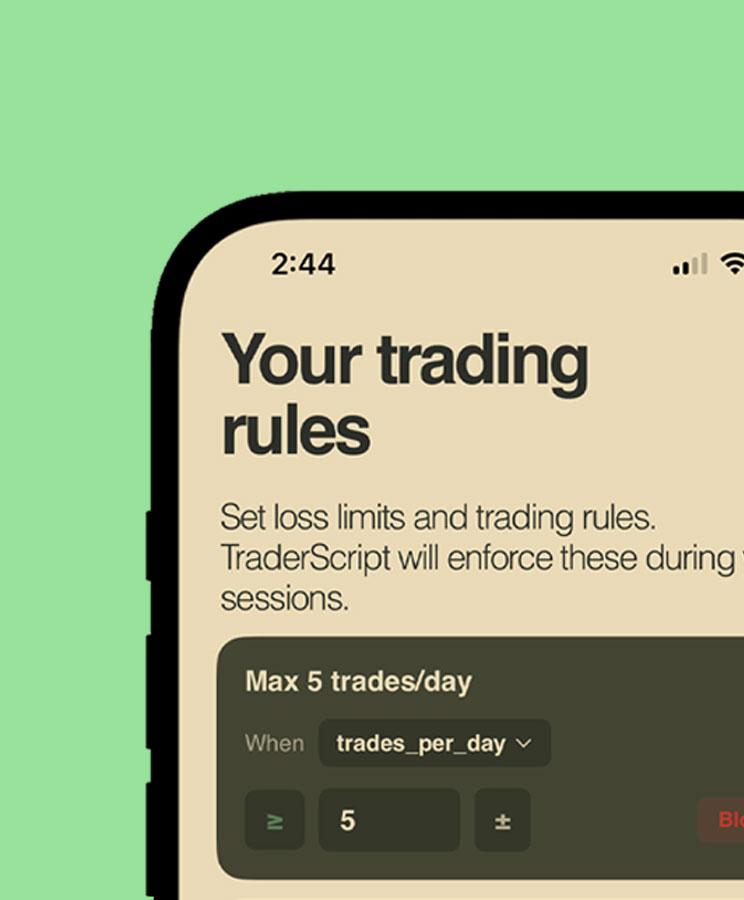
Daily loss limit.
Hit it, and MetaTrader locks for the rest of the day. No exceptions, no override.
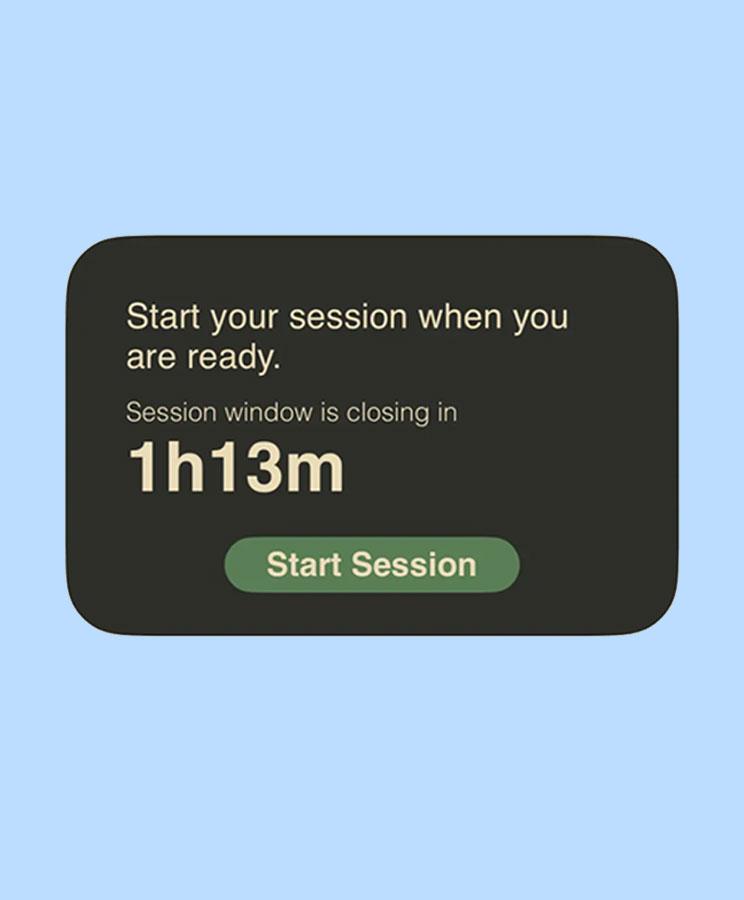
Session windows.
Trade only inside the hours you set. Outside them, the app stays locked.
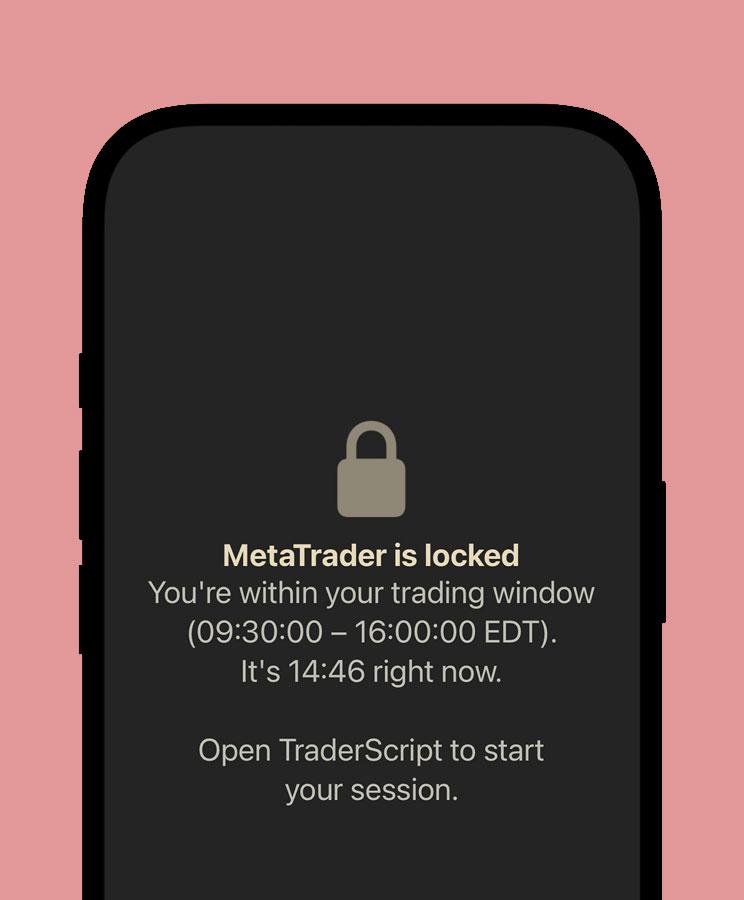
Strike rules.
When you breach your rule, MetaTrader is blocked at the OS level.
The lock.
Not a reminder. A wall.
TraderScript uses Apple's own Screen Time system to block MetaTrader at the OS level. You can't snooze it or argue with it.
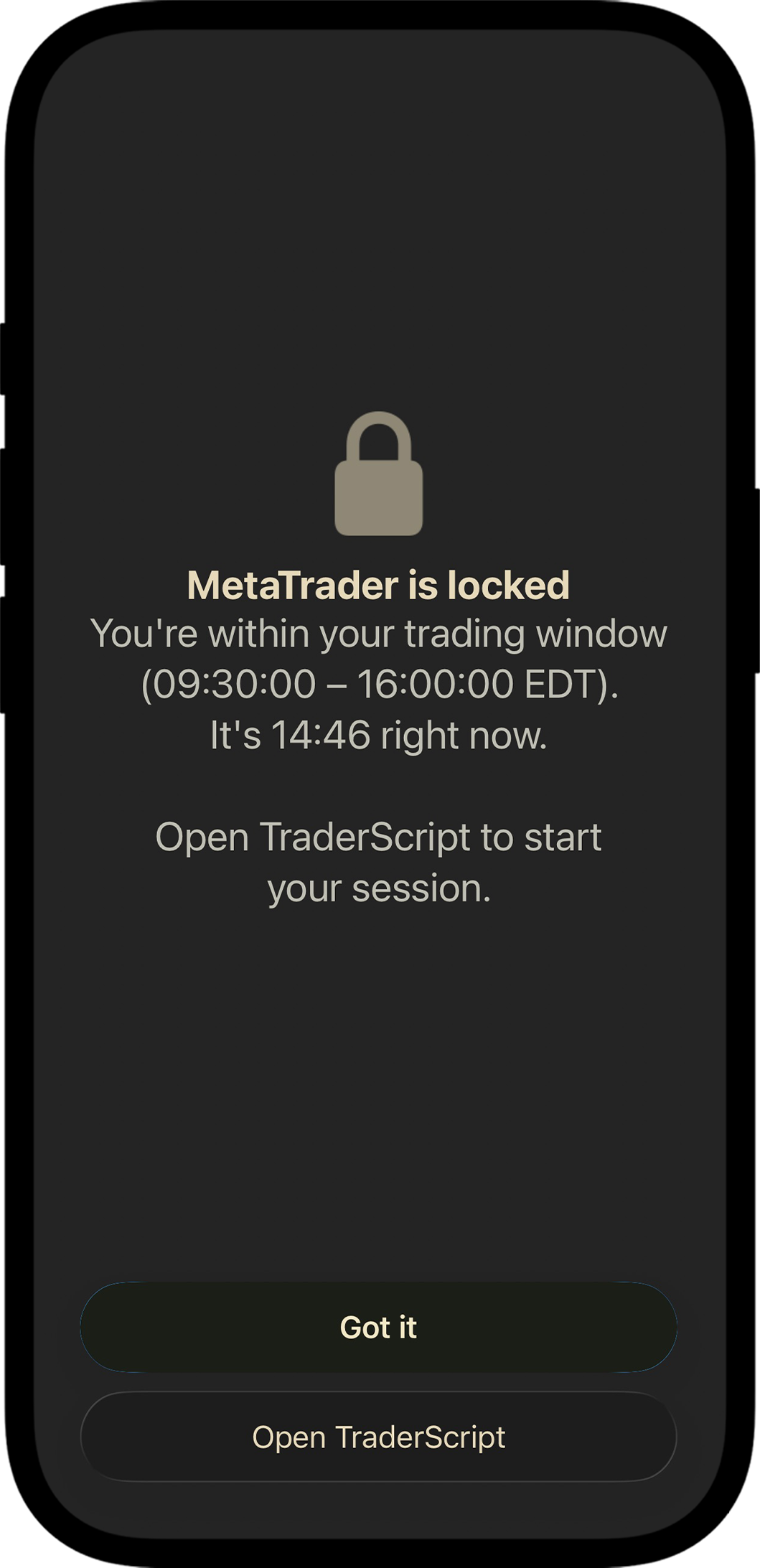
This is the real Apple lock screen. We don't design it, Apple does. That's exactly why it works.

Prop firm challenge traders.
Passed the evaluation, then broke the one rule that mattered on a funded account.

Self-directed MT5 traders.
Know exactly what discipline looks like. Just can't hold the line alone in the moment.

Revenge traders.
Know exactly what discipline looks like. Just can't hold the line alone in the moment.
You don't need more willpower.
You need TraderScript.